

A slow website is not a technical inconvenience. It is a revenue leak with a measurable cost that most businesses are underestimating.
Over 40% of visitors will abandon a page that takes more than three seconds to load. A majority of those people will not return. And if your site is slow enough to be penalized in Google's ranking systems, the problem compounds. You are losing customers you never knew you had, from traffic you never managed to earn in the first place.
Website speed sits at the intersection of SEO performance, conversion rate, and brand perception. Getting it wrong affects all three simultaneously. This article explains why and what to do about it.
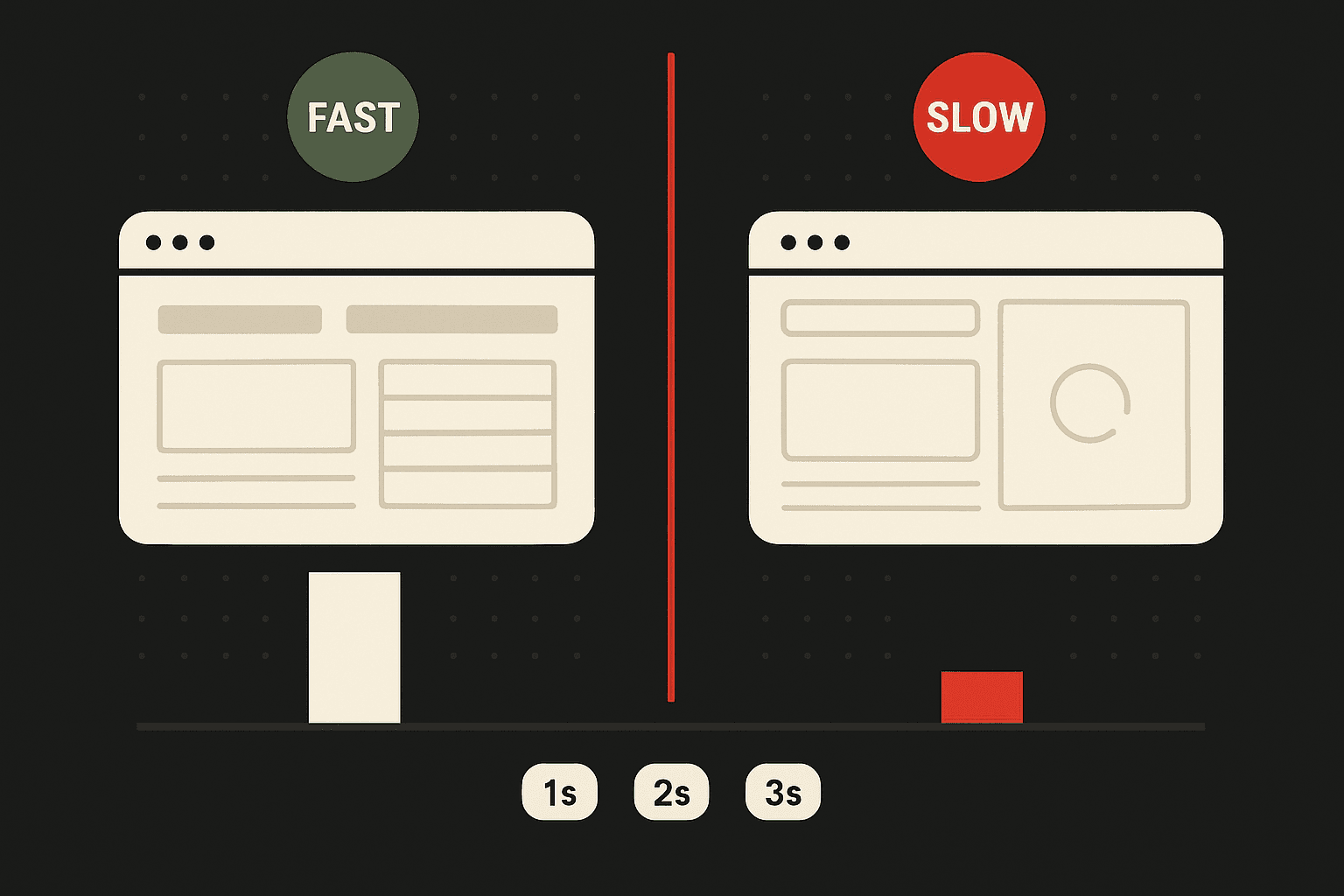
Why Speed Is a Commercial Priority, Not Just a Technical One
Website speed refers to how quickly a browser can render a fully functional page. Every additional second of load time is a decision point for the visitor. And statistically, most visitors decide to leave rather than wait.
The commercial implications are direct and documented:
- Mobify improved homepage load time by 100 milliseconds and recorded a 1.11% increase in session-based conversion
- AutoAnything cut page load time in half and saw a 12 to 13% lift in sales
- Walmart recorded a 2% increase in conversions for every one-second improvement in load time
These are not large companies running esoteric experiments. These are standard e-commerce and retail operations where a small change in conversion rate translates to meaningful revenue at scale.
The math is worth doing for your own business. If you receive 100 daily visitors and 53 of them leave because your site is too slow, that is 1,590 lost visitors per month. If 10% of those visitors had converted, you would be losing 159 potential customers every month to a fixable technical problem.
How to Measure Your Page Speed: Free Tools
Before optimizing, you need accurate measurement. Three free tools cover the essentials.
Google PageSpeed Insights
PageSpeed Insights (pagespeed.web.dev) analyzes any URL and returns both lab data (simulated) and field data (real-user measurements from the Chrome User Experience Report). It scores your page on Core Web Vitals - LCP, INP, and CLS - and provides specific, actionable recommendations ranked by estimated impact.
For Indian businesses, run PageSpeed Insights with the mobile setting prioritized, since mobile traffic dominates in India and mobile scores are typically significantly lower than desktop scores on the same page.
Google Search Console
The Core Web Vitals report in Search Console shows real-user field data aggregated across your full site, segmented by desktop and mobile. Unlike PageSpeed Insights (which measures one URL at a time), Search Console surfaces which pages are failing Good thresholds across your entire domain and groups them by issue type. This is the tool to use for identifying which page categories (product pages, blog posts, landing pages) have the most widespread speed problems.
GTmetrix
GTmetrix (gtmetrix.com) provides waterfall charts - a visual breakdown of every network request made when your page loads, in sequence, with the time each resource takes. This level of detail is essential for diagnosing the specific causes of speed problems: which images are oversized, which third-party scripts are slow to load, and which render-blocking resources are delaying the page from becoming visible.
GTmetrix also allows you to select the test location. For Indian audiences, choose a test server in Mumbai or Singapore to simulate real-user latency more accurately than running tests from US servers.
Core Web Vitals Explained: LCP, INP, and CLS
Google's Page Experience ranking evaluation uses three Core Web Vitals metrics. Understanding what each measures determines where to focus improvement efforts.
LCP - Largest Contentful Paint
LCP measures how long it takes for the largest visible element on the page to load. This is typically the hero image, a large heading, or the main product photo on a product page.
- Good: under 2.5 seconds
- Needs Improvement: 2.5 to 4.0 seconds
- Poor: over 4.0 seconds
LCP is the Core Web Vital with the most direct correlation to ranking impact. Pages with Poor LCP scores are disadvantaged in Google's ranking system relative to comparable pages with Good scores. The most common causes of high LCP are unoptimized images (large file size), slow server response time, and render-blocking resources that delay the browser from loading the main content.
INP - Interaction to Next Paint
INP replaced FID (First Input Delay) as the interactivity metric in March 2024. It measures how quickly the page responds to all user interactions - clicks, taps, key presses - throughout the page's lifecycle, not just the first one.
- Good: under 200 milliseconds
- Needs Improvement: 200 to 500 milliseconds
- Poor: over 500 milliseconds
High INP scores are typically caused by heavy JavaScript execution, third-party scripts that run on the main thread, and complex animations. For Indian ecommerce sites on mobile devices with slower processors, INP failures are common even on pages with acceptable LCP scores.
CLS - Cumulative Layout Shift
CLS measures visual stability - how much page elements shift position unexpectedly while the page is loading. A high CLS score means buttons, text, and images move around while the user is trying to interact with them, causing accidental clicks and a frustrating experience.
- Good: under 0.1
- Needs Improvement: 0.1 to 0.25
- Poor: over 0.25
CLS is typically caused by images without specified dimensions, ads or embeds that load after the surrounding content, and fonts that cause text to reflow when they load. It is generally easier to fix than LCP but is frequently overlooked in speed audits.
Four Ways Slow Page Speed Costs Your Business
1. First Impressions Are Formed in Milliseconds
Visitors form judgments about your brand within seconds of landing on your site. Speed is central to that judgment. Research from Backlinko shows that the average page speed of a first-page Google result is 1.65 seconds. That is the benchmark you are being measured against, whether you know it or not.
Human perception consistently associates faster load times with greater reliability and professionalism. A site that loads quickly signals competence before a single word is read. A site that struggles to render signals the opposite.
For established brands with strong recognition, visitors may tolerate a slow site because of existing trust. For startups and SMEs, that tolerance does not exist. The first visit often determines whether there is a second.
2. User Expectations Have Risen and Will Not Reset
The baseline expectation has shifted considerably over the past decade.
- Approximately 47% of users expect a site to load in under two seconds
- 40% will leave if it takes more than three seconds
- A significant portion of mobile users expect the same load speed as desktop users
That last point matters. Mobile is the primary browsing device for most markets, and in India specifically, mobile traffic represents over 75% of web sessions for most consumer-facing businesses. A site that performs well on desktop but struggles on mobile is failing its largest audience segment.
The implication is that website performance optimisation is not a one-time project. Mobile performance, image rendering, and server response times require ongoing attention as your site grows and content accumulates.
3. Conversion Rates Are Directly Sensitive to Load Time
Research from Portent consistently shows that conversion rates decline as page load times increase, often significantly between the first and fifth second of load time. The steepest drop occurs in the first two to three seconds.
This relationship exists because speed is part of the user experience, not separate from it. A visitor who is frustrated by slow loading arrives at your product page or contact form already primed to disengage. The content on that page has to overcome the negative experience created before it even loaded.
Conversely, a fast site creates a frictionless path from arrival to action. Visitors engage more deeply, spend more time, and convert at higher rates because the experience itself is not working against them.
Common mistake: Optimizing conversion rate through copy and design while leaving page speed unaddressed. Speed improvements often deliver more conversion lift per unit of effort than design changes, particularly on mobile.
4. Page Speed Is a Direct Google Ranking Factor
Google has stated publicly and repeatedly that page speed is a ranking signal. The Core Web Vitals framework, which measures loading performance, interactivity, and visual stability, is built into Google's ranking systems. Poor scores on these metrics have a documented negative effect on organic visibility. A technical SEO review that includes real-user field data alongside lab diagnostics is the most reliable way to identify which speed issues are actually affecting your rankings.
The compounding logic is important here. Slow pages rank lower, which means
- less organic traffic,
- fewer conversion opportunities,
- weaker revenue from the organic channel.
Every second of unnecessary load time is simultaneously a UX problem, a conversion problem, and an SEO problem.
A first-page ranking on a competitive keyword is worth very little if the page that ranks loads in five seconds and loses half its traffic before it renders.
Is slow page speed costing you rankings and conversions? - Book a free site speed audit → We'll run your top pages through PageSpeed Insights and Search Console field data, identify the specific issues suppressing your Core Web Vitals, and prioritize fixes by revenue impact.
Five Ways to Improve Your Page Speed

Speed optimization is not a single intervention. It is a combination of changes that collectively reduce load time. No single fix is sufficient for a site that is materially slow. The approach needs to be systematic.
Image compression and format optimization
Images are typically the largest contributor to page weight. Compressing images reduces file size without visible quality loss. Using modern formats like WebP reduces file size further compared to JPEG or PNG.
Implementing lazy loading, where images below the fold only load when the user scrolls toward them, reduces initial load time on content-heavy pages. Specifying width and height dimensions for every image also prevents CLS by reserving space before the image loads.
GIF, PNG, and JPEG formats currently account for approximately 96% of internet image traffic. Optimizing how these files are served is one of the highest-return technical improvements available to most sites.
Remove unnecessary third-party scripts
Third-party scripts, analytics tags, chat widgets, advertising trackers, and social media embeds all add load time. Each script requires an additional request to an external server. The cumulative effect on page speed can be significant, particularly on mobile connections.
Audit all third-party scripts currently running on your site. Remove anything that is not actively contributing to business outcomes. Defer the loading of scripts that do not need to execute immediately on page load. A GTmetrix waterfall report will show exactly which third-party scripts are taking the longest to resolve.
Delete unused plugins and simplify design elements
For WordPress sites, particularly, accumulated plugins are a common cause of speed degradation. Each plugin adds code that must be loaded and processed. Deactivating or removing unused plugins reduces this overhead directly.
Design complexity carries a similar cost. Animated elements, heavy fonts, and complex layouts require more browser processing time. Simpler designs tend to load faster. This is a useful constraint to apply when making design decisions, not just a remediation step. For more complex structural fixes, partnering with a web development team that understands performance-first build practices ensures that speed gains made during a remediation sprint are preserved as the site evolves.
Optimize server selection and configuration
Server response time is foundational. A well-optimized page still loads slowly if the server delivering it is slow or underpowered.
Choosing a reputable hosting provider with servers located close to your primary audience reduces baseline response time. For Indian businesses, hosting with providers that have data centers in Mumbai or Bangalore (AWS, Google Cloud, DigitalOcean) reduces Time to First Byte (TTFB) for Indian visitors compared to servers hosted in the US or Europe.
Beyond hosting selection, database query optimization, server-side caching, and content delivery networks (CDNs) can significantly reduce the time it takes for a server to begin responding to a page request.
CDNs distribute static assets across multiple geographic locations, reducing the physical distance data must travel to reach a user. Cloudflare's free CDN tier is effective for most small to mid-size Indian businesses.
Maintain site security
Security vulnerabilities can introduce speed problems indirectly. Malicious bot traffic consumes server resources, slowing response times for legitimate visitors.
Keeping software updated, using strong authentication, and installing security certificates are baseline practices that support both security and performance.
An SSL certificate (HTTPS) is also a ranking signal in Google's algorithm. Sites without it carry a double penalty: a security flag in browsers and a minor ranking disadvantage in search.
The Business Case for Treating Speed as a Priority
Most marketing teams spend significant budget on content, paid media, and conversion optimization while leaving page speed largely unaddressed. That ordering is commercially backwards.
Speed improvements affect every visitor, regardless of the channel that brought them. An investment in page speed improvement benefits your paid traffic, your organic traffic, your email traffic, and your direct traffic simultaneously. Very few optimizations deliver that kind of cross-channel return.
The competitive dimension is also worth considering. If your site loads in 1.5 seconds and a competitor's loads in 4 seconds, your site wins the experience comparison before a single word is read. In categories where products and prices are similar, that experience differential is a real commercial advantage.
The brands that treat page speed as a revenue function, rather than an IT maintenance task, consistently outperform those that do not. The data is consistent, the mechanism is clear, and the fixes are well-understood.
Frequently Asked Questions
How do I check my Core Web Vitals score for free?
Use Google PageSpeed Insights (pagespeed.web.dev) for per-URL scores and recommendations. Check Google Search Console's Core Web Vitals report (under Experience > Core Web Vitals) for site-wide field data, which shows real user measurements rather than simulated lab data. GTmetrix provides the most detailed waterfall breakdown for diagnosing specific issues. All three tools are free and complementary - PageSpeed Insights for diagnostic guidance, Search Console for site-wide monitoring, GTmetrix for root-cause identification.
What is the difference between LCP and INP and which matters more for rankings?
LCP (Largest Contentful Paint) measures how fast the main visible content loads - it is the most direct ranking signal of the three Core Web Vitals. INP (Interaction to Next Paint) measures how responsive the page is to user interactions throughout the session. Both are ranking signals, but LCP failures tend to have a more significant impact on organic visibility because they directly affect whether Google classifies your page as having a Good, Needs Improvement, or Poor page experience. Fix LCP first if you need to prioritize, then address INP, then CLS.
How much does fixing page speed cost for an Indian SME?
Many of the highest-impact fixes are free or low-cost: image compression (free tools include Squoosh and TinyPNG), enabling a Cloudflare CDN (free tier covers most SME needs), installing a WordPress caching plugin (W3 Total Cache is free; WP Rocket costs approximately ₹3,000/year), and removing unused plugins (free). Larger fixes - migrating to a faster hosting provider, rebuilding with a performance-first theme, or implementing server-side rendering - range from ₹5,000 to ₹50,000+ depending on scope. Most Indian SMEs can achieve Good Core Web Vitals scores with under ₹10,000 in hosting and tooling investment if the site architecture is not fundamentally broken.
Why does my website score well on desktop but fail on mobile?
Mobile tests simulate slower CPU and network conditions than desktop tests, because real-world mobile devices have slower processors and often use 3G or 4G connections with higher latency than broadband. This means JavaScript-heavy pages that load quickly on a desktop computer - where JavaScript executes fast - fail on mobile because the same JS takes much longer to process on a mobile CPU. The most common culprits for desktop-pass/mobile-fail pages are heavy JavaScript bundles, unoptimized images loaded without lazy loading, and third-party scripts that block rendering. Google prioritizes mobile field data in Core Web Vitals assessments, so mobile scores matter more for rankings than desktop scores.
Conclusion
Page speed is not a developer concern that marketing teams can delegate and forget. It is a revenue variable with documented, measurable impact on conversions, organic rankings, and brand perception - simultaneously.
The three Core Web Vitals - LCP, INP, and CLS - give you a specific, Google-verified framework for diagnosing where your pages are failing and what to fix. The tools to measure them (PageSpeed Insights, Search Console, GTmetrix) are free. The most common fixes - image compression, CDN implementation, plugin reduction, caching - are low-cost. What they require is prioritization.
For Indian businesses, where mobile traffic dominates and mobile network speeds are variable, the business case for speed optimization is stronger than in markets with more consistent broadband access. A one-second improvement in mobile LCP is not a technical metric. It is a direct conversion rate driver, an organic ranking lever, and a first-impression differentiator against every competitor in your category.
If you want to know where your site's speed issues are concentrated and which fixes will have the highest impact on rankings and conversions, request a free site speed audit → We'll run a full Core Web Vitals assessment and prioritize the improvements by commercial impact.

Aditya Kathotia
Founder & CEO
CEO of Nico Digital and founder of Digital Polo, Aditya Kathotia is a trailblazer in digital marketing. He's powered 500+ brands through transformative strategies, enabling clients worldwide to grow revenue exponentially. Aditya's work has been featured on Entrepreneur, Economic Times, Hubspot, Business.com, Clutch, and more. Join Aditya Kathotia's orbit on LinkedIn to gain exclusive access to his treasure trove of niche-specific marketing secrets and insights.